

- High-Quality 5s 480p Motion Control: Generates 5-second, 480p videos with fine-grained motion controllability
- Latent Trajectory Guidance: Represents motion conditions by propagating first frame features along trajectories
- Fine-grained Point-level Control: Object motions are represented with dense point trajectories, enabling precise region-level control
- No Architecture Changes: Seamlessly integrates into Wan-I2V-14B without extra motion modules
Wan-Move image-to-video workflow
Preview the workflow output:
Run on Comfy Cloud
Open in Comfy Cloud
Download Workflow
Download JSON or search “Wan-Move Motion-Control” in Template Library
LoadImage node:
snowboard_rush.png
LoadImage node · snowboard_rush.png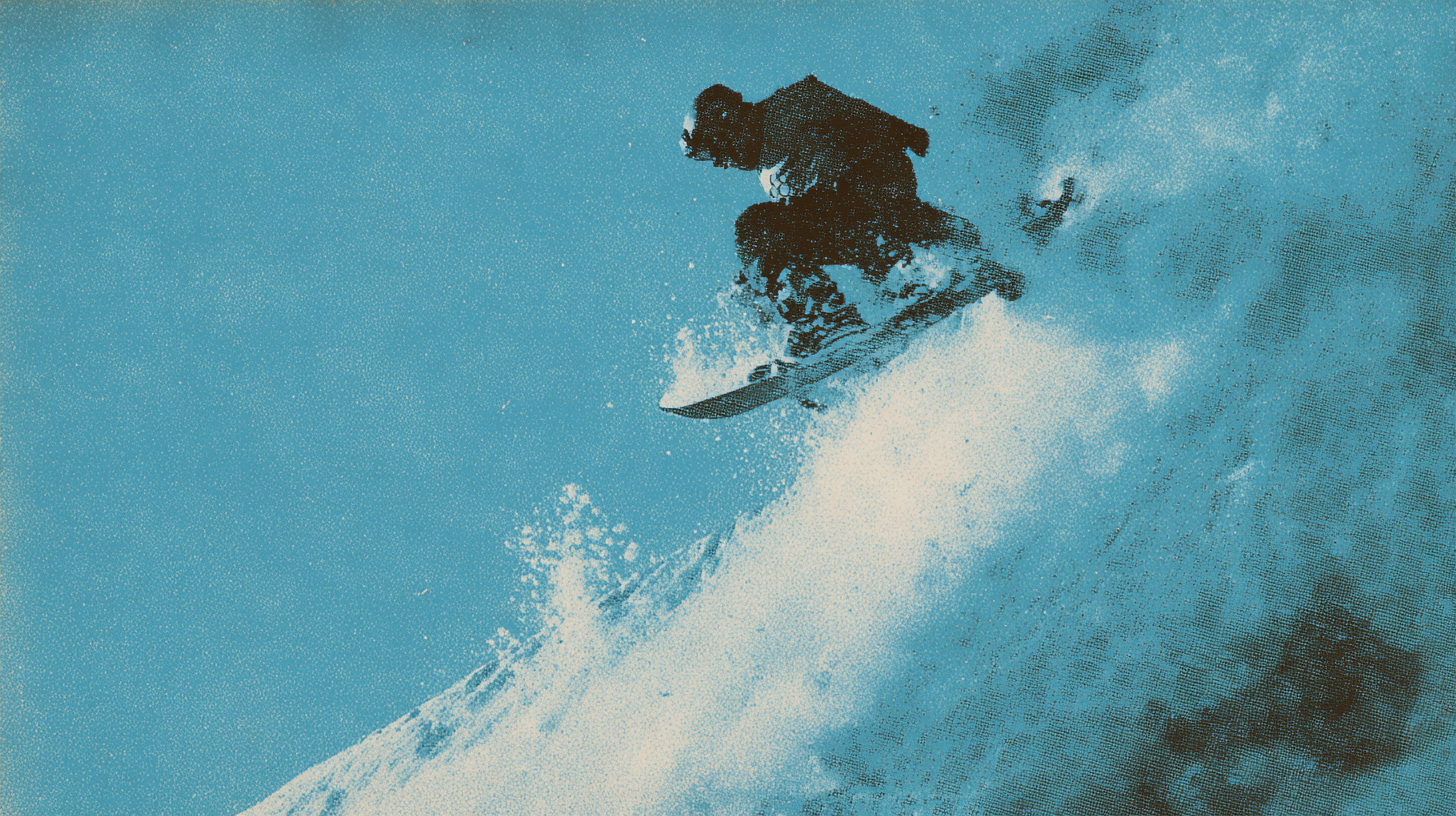
Model links
Checkpoint: Wan21-WanMove
Place in
ComfyUI/models/diffusion_models/LoRA: LightX2V Distilled
Place in
ComfyUI/models/loras/Text Encoder: umt5
Place in
ComfyUI/models/text_encoders/CLIP Vision: clip_vision_h
Place in
ComfyUI/models/clip_vision/VAE: wan_2.1_vae
Place in
ComfyUI/models/vae/